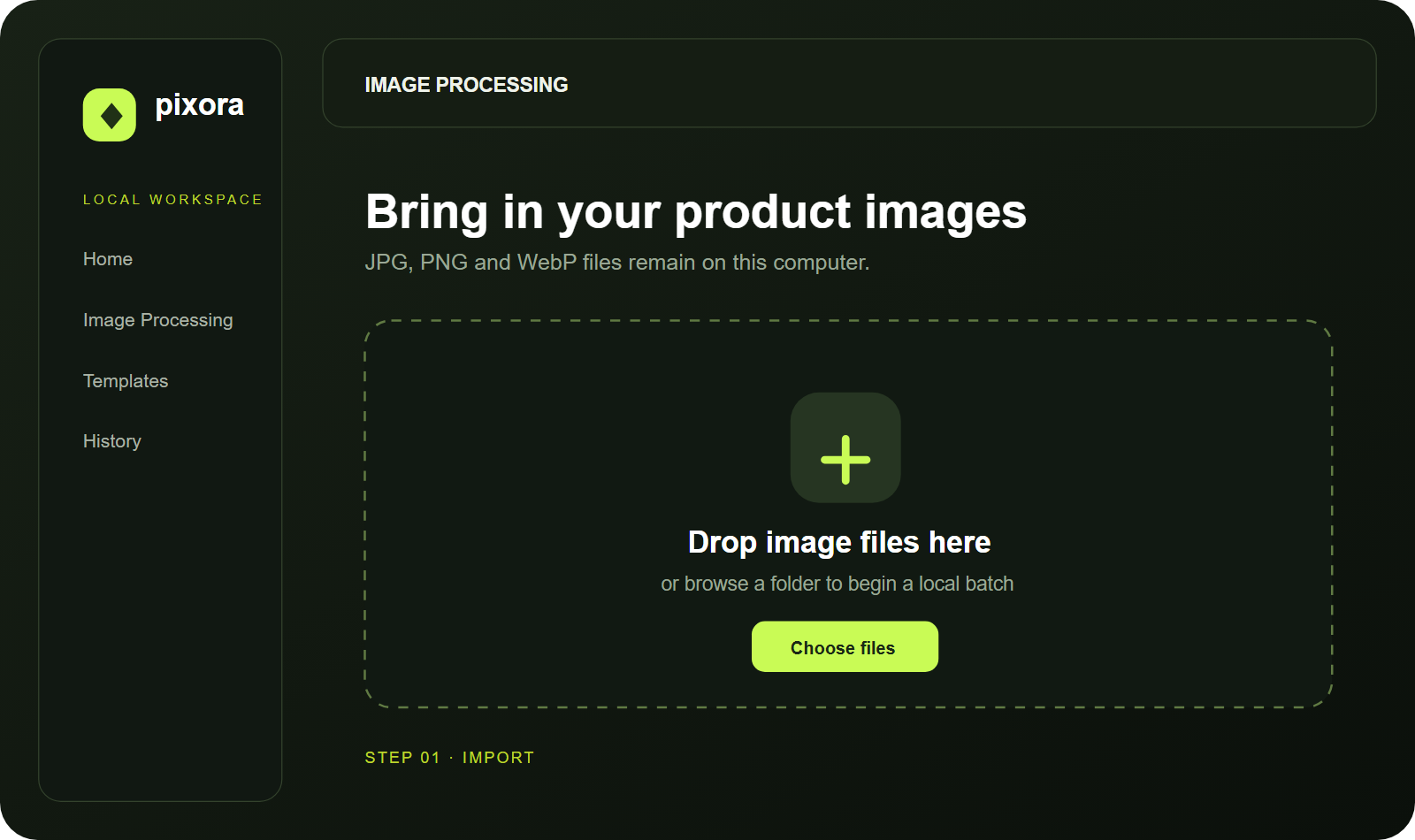
STEP 01
Import a folder
Drag JPG, PNG, or WebP files into Pixora Studio. Files stay on your computer.
Pixora Studio · Windows desktop software
Pixora Studio helps ecommerce teams, photographers, and creators compress, resize, convert, watermark, and rename thousands of images—fast, private, and offline.
Fast
Rust processing
Private
No image uploads
Offline
Works without cloud
A simple local workflow
STEP 01
Drag JPG, PNG, or WebP files into Pixora Studio. Files stay on your computer.
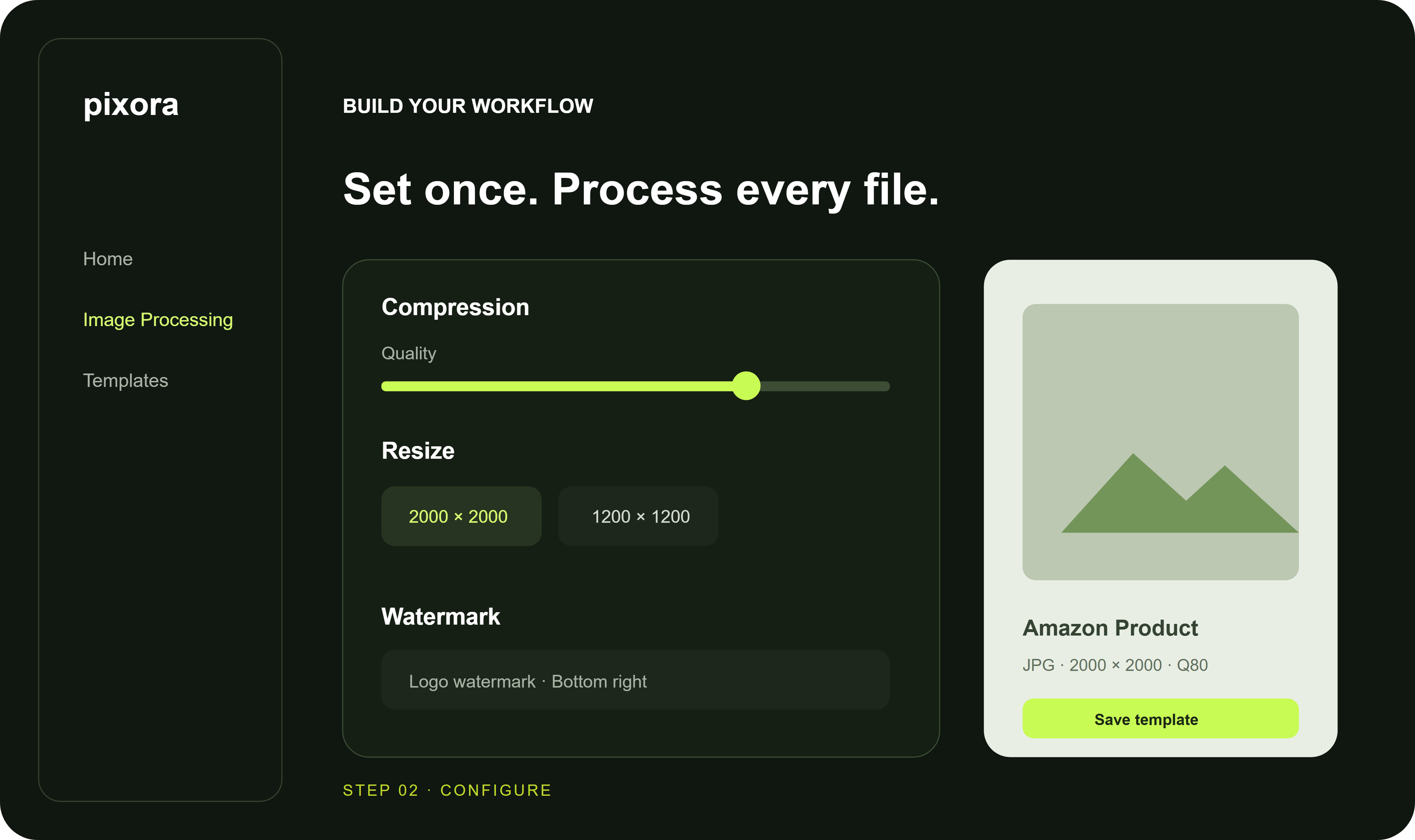
STEP 02
Set compression, resize, format, watermark, and naming options once—or reuse a template.
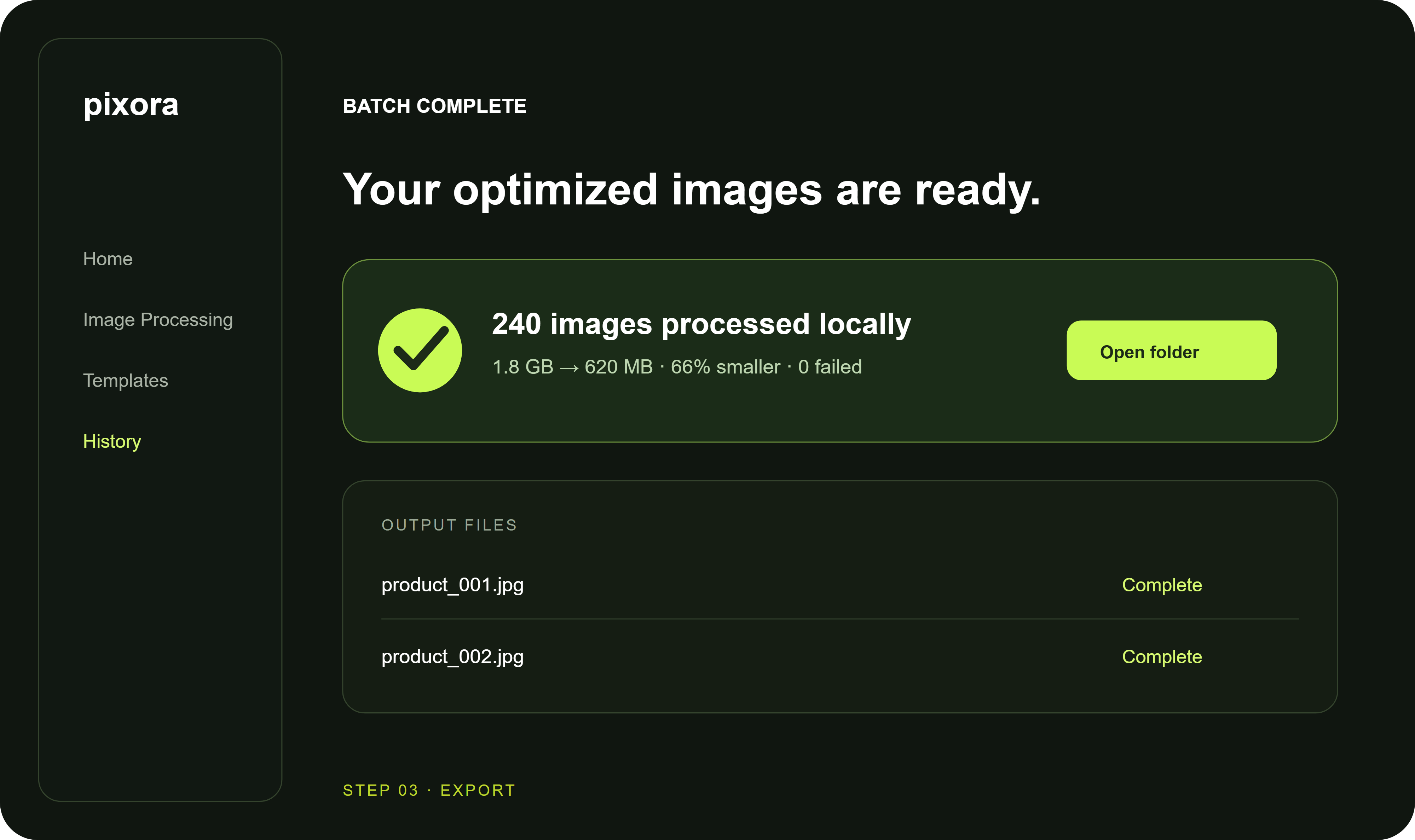
STEP 03
Run a fast local batch and export finished images to the output folder you choose.